As an Amazon Associate, we earn from qualifying purchases. Some links may be affiliate links at no extra cost to you. Although our opinions are based on curated research, we haven't used these products. Articles generated with AI.

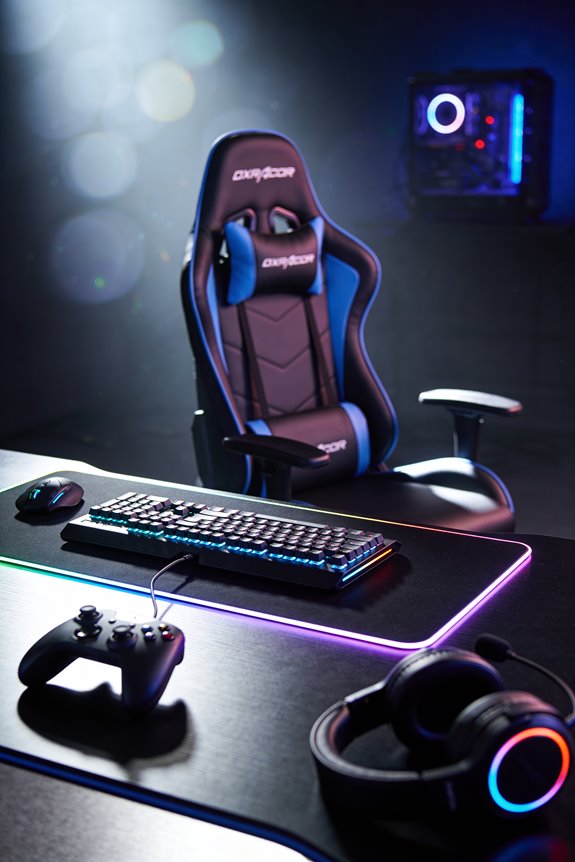
What Is Lumbar Support in Gaming Chairs and How Does Spinal Anatomy Factor In

Lumbar support fills that annoying gap between your lower spine and flat chair backs, keeping your spine’s natural inward curve intact. Your spine’s S-shaped design acts like a spring, and when you slouch, it flattens—making your muscles work overtime and causing pain. I’m talking about maintaining proper posture in an ergonomic chair—proper pelvic alignment so your core stays engaged. Let me show you how positioning this support correctly transforms your gaming comfort and performance dramatically!
Key Takeaways
- Lumbar support fills the gap between your lower spine and flat chairs, maintaining the natural inward curve (lordosis) needed for spinal health.
- Your spine functions like a spring with S-shaped curves; flattening the lumbar curve increases muscle strain and prevents natural spinal mechanics.
- Flat chairs cause hips to roll backward, disrupting pelvic alignment and reducing core engagement, leading to long-term discomfort and back issues.
- Position lumbar support just above your beltline at approximately 4 centimeters depth to trigger proper alignment without causing discomfort during gaming.
- Proper lumbar support reduces muscle fatigue, improves focus, and enhances gaming performance while allowing your spine to function naturally and efficiently.
What Lumbar Support Does and Why Gamers Need It
When you’re locked in a gaming session for hours, your lower back‘s probably not getting the support it deserves. That’s where lumbar support comes in! I’m talking about padding or structure that fills the gap between your spine and a flat chair. Your lower back naturally curves inward—think of it like a gentle hug—and lumbar support maintains that curve. Without it, you’re basically flattening your spine and inviting serious discomfort. As a gamer, you need ergonomic accessories like quality lumbar support to maintain proper gaming posture. This support reduces muscle strain, prevents slouching, and helps you stay comfortable during marathon sessions. It’s honestly one of the smartest investments you can make for your back health and gaming performance!
Your Spine’s Natural Curve and Why Support Matters

Your spine isn’t just a straight stick—it’s got curves that make it work like a spring! I want you to picture an S-shape running down your back. Your lower spine curves inward toward your belly button—that’s your lumbar lordosis. When you slouch in a flat chair, you flatten this natural curve, and your back muscles work overtime to compensate.
Here’s where lumbar support saves the day! It fills that gap and restores your spine’s proper shape. This simple fix triggers pelvic alignment and core activation, meaning your body naturally sits straighter with less effort. Your muscles relax, your posture improves, and you’re protected from pain. Think of it as giving your spine permission to do what it’s designed to do naturally!
The Lordotic Curve: Why Your Lower Back Needs Support
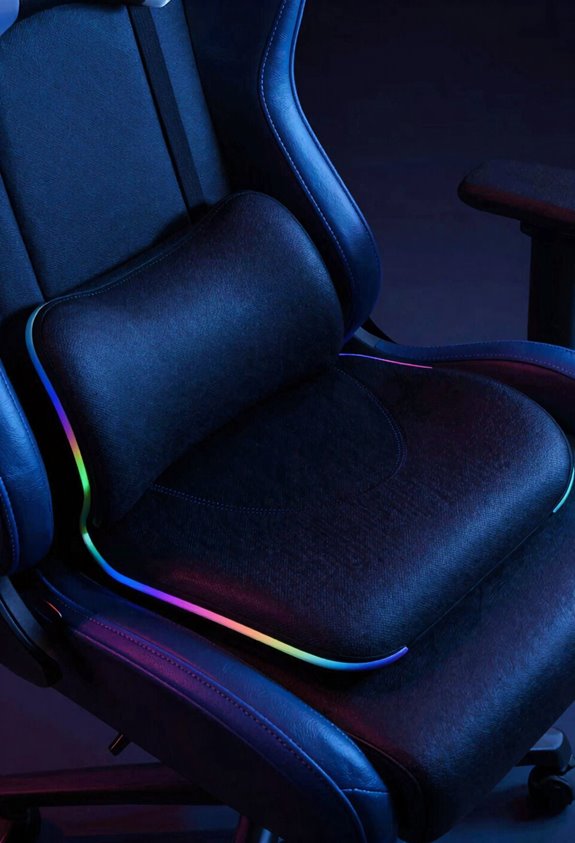
As I mentioned before, that S-shaped curve in my spine—especially the inward bend at the lower back—is called lordosis, and it’s absolutely essential! When I sit without proper support, my lower back flattens against the chair, and that’s when trouble starts.
Here’s the thing: my lumbar spine naturally curves inward toward my belly button. Without support filling that gap, I lose my pelvic tilt and core engagement falls apart. That’s when slouching sneaks in and my muscles strain.
Good lumbar support hugs that curve gently, keeping everything aligned. It maintains my natural lordosis so I’m not fighting gravity. Let’s be honest—my back feels so much better when that curve gets the support it deserves!
Why Flat Chairs Hurt Your Back: The Posture Problem
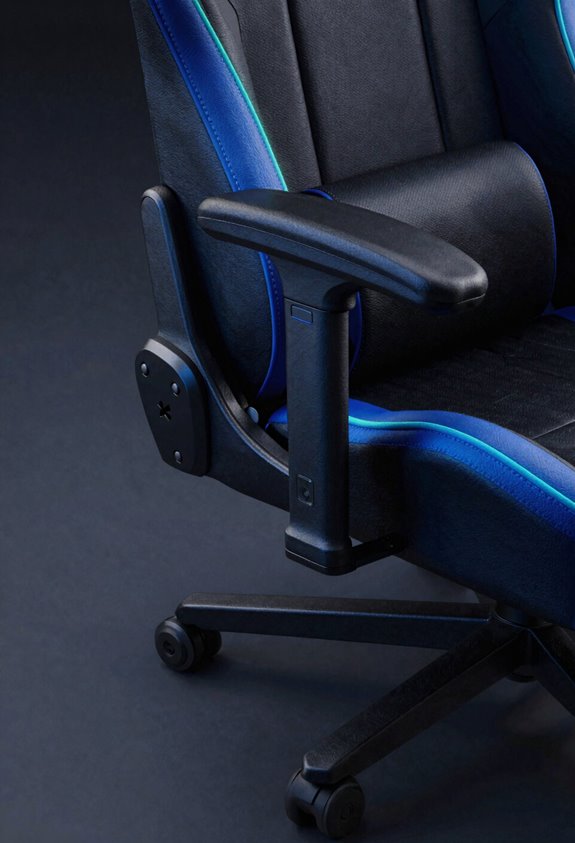
Flat chairs might seem comfortable at first, but they’re actually your back’s worst enemy! Here’s why: when you sit on a flat seat pan without support, your lower back flattens out completely. Your natural lordotic curve—that gentle inward bend—disappears! This creates a pelvic tilt where your hips roll backward, and your spine loses its healthy S-shape. I know it feels relaxed, but that’s misleading! Your muscles work overtime compensating for the missing support. Over time, you’ll feel pain, fatigue, and strain settling in. That’s why gaming chairs with lumbar support matter so much! They fill the gap between your back and the seat, keeping your spine aligned perfectly. Your future self will thank you for choosing better posture today!
Types of Lumbar Support: Fixed, Adjustable, and Pillow-Based
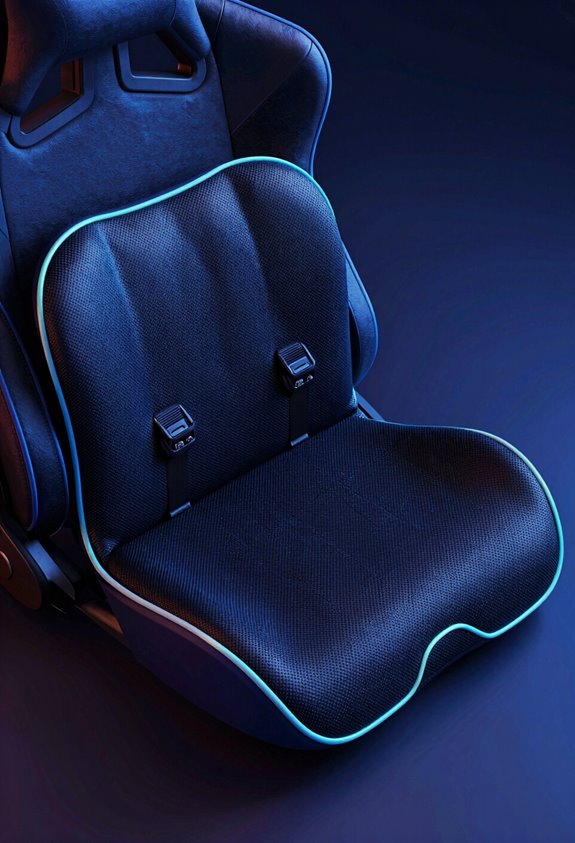
Now that we’ve tackled why flat chairs wreck your back, let’s explore the three main types of lumbar support you’ll find in gaming chairs!
First up: fixed curve support. It’s built right into the backrest and doesn’t move—what you see is what you get. Then there’s adjustable support, which lets you customize the height or depth to match your spine perfectly. That’s my personal favorite!
Finally, pillow-based support gives you flexibility through material variations. You can stuff it, adjust it, or swap it out entirely.
Want even more options? Aftermarket upgrades let you enhance whatever chair you’ve already got. Whether you’re buying new or upgrading old, one of these three solutions will definitely fit your needs and gaming style!
Choosing Lumbar Support for Your Body Type and Sitting Duration
Session timing changes everything too. Playing for two hours? A fixed curve works fine. But if you’re grinding eight-hour marathons, adjustable depth gives you customization power to dial in comfort. I’d recommend testing different tension levels—what feels amazing at hour one might need tweaking later.
Honestly, think about your typical posture and sessions. Then match the support type accordingly. You’ll thank yourself during those intense gaming nights!
Position Your Lumbar Support in 3 Steps: Height, Depth, and Recline
Getting your lumbar support positioned just right is like tuning an instrument—small adjustments make a huge difference!
First, I’ll tackle height. Position your lumbar support just above your beltline for that gentle hug feeling. This aligns perfectly with your spine’s natural curve.
Next comes depth—about 4 centimeters is your magic number. I’m talking enough to trigger your body’s alignment reflex without feeling pushy.
Finally, let’s dial in recline. Tuck your hips into your seat depth with feet flat and weight against the backrest. A pelvic tilt happens naturally here! Recline between 100–110 degrees to reduce spinal compression.
You’ve got this! These three steps create the perfect setup for comfortable gaming sessions.
How Proper Lumbar Support Prevents Back Pain and Improves Performance
Once you’ve nailed those three positioning steps, here’s the real magic—your back actually starts feeling better! I’m talking real relief from that nagging ache that kills your gaming sessions.
When your lumbar support‘s dialed in, your muscles don’t work overtime fighting gravity anymore. They can actually relax! This means less fatigue and sharper focus during those intense matches.
I recommend building microbreak routines into your gaming—every hour, stand up and stretch. Pair that with simple breathing techniques: breathe deep for four counts, hold, then exhale slowly. This combo reduces spinal compression even more.
You’ll notice improved performance too! With less pain distracting you, your reaction time improves and concentration deepens. Your body’s not screaming for mercy, so you can dominate your gameplay instead. That’s the lumbar support advantage!
Frequently Asked Questions
Can Lumbar Support Help With Existing Chronic Back Pain Conditions?
I’d recommend lumbar support as part of your pain management strategy for chronic back pain. It complements physical therapy by reducing muscle strain and distributing weight evenly, helping you maintain proper spinal alignment throughout your day.
How Often Should I Adjust My Gaming Chair’s Lumbar Support Settings?
I’d recommend daily tweaks to your lumbar support as your body’s needs shift throughout the day. Use posture checkpoints every few hours—adjust depth and tension when you notice slouching or discomfort developing.
Is Lumbar Support Equally Effective for Different Gaming Chair Brands?
I’ll tell you that lumbar support effectiveness varies markedly across brands due to brand variability in design quality and materials. You’ll find adjustment consistency differs too, so what works for one chair won’t necessarily match another’s performance.
What’s the Difference Between Lumbar Support and a Memory Foam Seat?
You can’t judge a book by its cover. I’ll tell you: lumbar support specifically targets posture alignment in your lower back, while memory foam seats focus on overall cushioning and material durability for comfort distribution.
Can Improper Lumbar Support Adjustment Cause More Harm Than Benefit?
Yes, improper adjustment can harm you. I’d caution that overstretched ligaments and muscle dependency develop when you’re forcing your spine into unnatural positions. You’ll experience increased pain rather than relief.