As an Amazon Associate, we earn from qualifying purchases. Some links may be affiliate links at no extra cost to you. Although our opinions are based on curated research, we haven't used these products. Articles generated with AI.

How Headset Companion Apps Tune EQ Curves for Different Game Genres

I’ll walk you through tuning EQ curves for any game genre using companion apps on your headset! Tactical shooters? On a wireless headset, boost those footstep frequencies around 1.5–3.5 kHz for crisp enemy detection. RPGs need epic lows and voice clarity around 2–4 kHz instead. Battle royales balance movement isolation with music preservation using modest mid-range lifts. Most apps let you create, save, and share custom presets across your community—no recreating from scratch! Stick around to discover exactly where your settings live and how to test them like a pro!
Key Takeaways
- Companion apps offer graphic or parametric EQ tools to create genre-specific presets tailored for tactical, competitive, or story-driven gameplay demands.
- Apps enable users to boost presence frequencies (1.5–3.5 kHz) for footstep clarity in shooters while emphasizing lows for RPG immersion.
- Custom presets save directly to headset onboard storage, allowing seamless switching between aggressive, balanced, and relaxed EQ profiles during gameplay.
- Community preset libraries on Reddit and GitHub let players import tested configurations, avoiding manual recreation of genre-optimized EQ curves.
- A/B testing within companion apps compares custom tweaks against stock presets in real gameplay, ensuring balanced awareness without sacrificing immersion.
Why Game Genres Demand Different EQ Profiles
Because different games throw totally different sounds at you, you’ll want different EQ settings for each one! Think about it—a tactical shooter needs you to hear footsteps clearly, while an RPG prioritizes epic music and dialogue. That’s where genre timbre comes in. Each game type has its own unique sound character that demands specific EQ tweaks.
Gameplay pacing matters too. Fast-paced battle royales require punchy mid-range boosts so you catch enemy movements instantly. Slower survival games let you enjoy atmospheric lows and crisp dialogue without urgency. I’d recommend matching your EQ curve to what your game actually needs. Let’s use those companion app presets—they’re designed specifically for this! You’ll hear the difference immediately, and your competitive edge gets sharper.
Footstep Frequency Zones: EQ Boosts for Tactical Audio
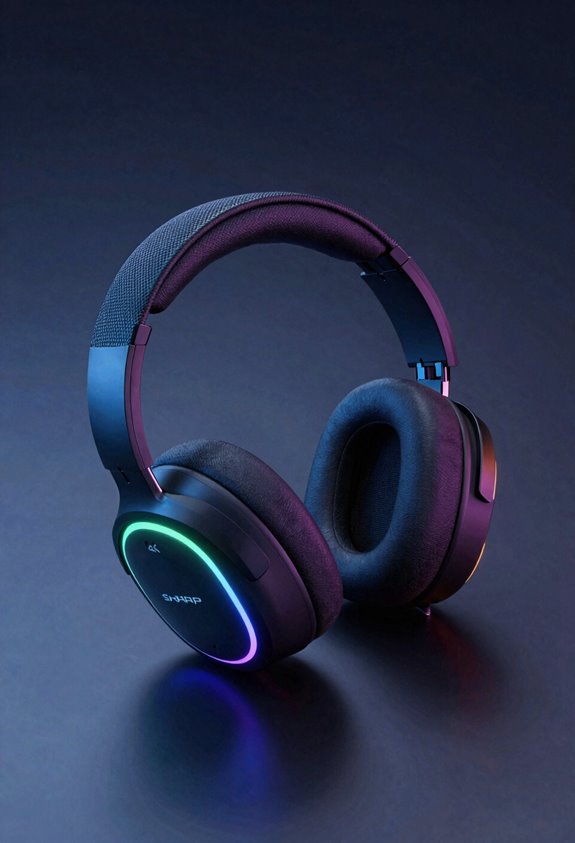
Now that you’ve got the right EQ curve for your game’s vibe, let’s zoom in on the sneaky stuff—footsteps! Here’s the deal: footsteps live in three main zones. First, you’ve got 150–400 Hz for that body thud. Then comes 1.5–3.5 kHz—this is where the presence and texture happen, making steps crisp and clear. Finally, 4–5 kHz delivers edge and definition. I recommend boosting that 1.5–3.5 kHz zone first to cut through ambient masking from explosions and music. This frequency masking trick isolates enemy movement beautifully. Start with a subtle lift—maybe 3–5 dB—and listen carefully. You’ll hear footsteps pop out like they’re right beside you! Tactical games absolutely thrive with this boost.
Recommended Products

MULTI-SYSTEM CONNECT — Connect two systems at once and toggle between PC, PlayStation, Switch, or Mac

2-Way Speaker Drivers – Separate silk dome tweeters and organic-fiber woofers enhance detail and precision across mid and high frequencies for immersive sound quality.

Easy setup for lag-free, interference-free wireless: the advanced chip set in the LS50X enables a strong and clear wireless signal even in crowded WiFi and mesh network areas. One-step setup gets you gaming on Xbox in No time.
Competitive Shooters: Boosting Presence for Directional Clarity
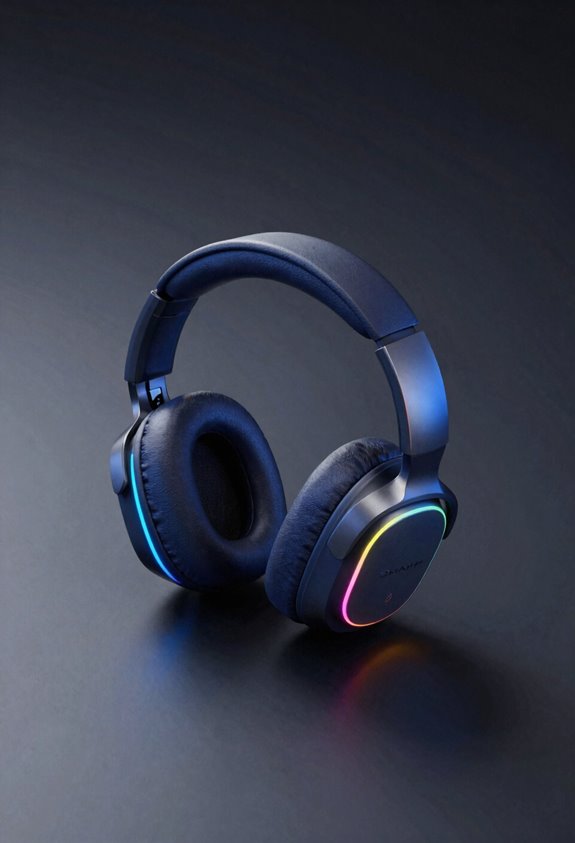
When you’re hunting enemies in competitive shooters, presence frequencies—that 1.5–3.5 kHz sweet spot—become your secret weapon for pinpointing exactly where opponents are moving. I’ve found that boosting these mid-range frequencies gives you incredible positional accuracy, letting you hear footsteps with crystal-clear detail. Here’s the thing: when you elevate presence frequencies through your companion app’s EQ, you’re enhancing transient clarity—the sharp, snappy attack of sounds like footsteps and gunfire. This means you’ll catch enemy movement faster and react quicker. Let’s dial up that 2–3 kHz range by 3–5 dB and watch your awareness skyrocket! Your headset’s companion app makes this adjustment simple. You’ll instantly notice how directional cues pop, giving you the competitive edge you’re chasing!
Recommended Products

ICONIC Px7 SERIES: REIMAGINED & REFINED - Re-engineered for comfort, clarity, depth and precision, the Bowers & Wilkins Px7 S3 Over-Ear Bluetooth headphones feature 40mm drivers and 24-bit DSP to deliver rich hi-res sound

ENGINEERED FOR GAMING. Packed with functions designed especially for gaming, including a lossless Xbox connection and quick, intuitive controls.

DYNAMIC USB MICROPHONE FOR PC, GAMING & STREAMING – The BEACN Dark captures rich, full-bodied vocals while rejecting keyboard clicks, fan noise, and room echo. Get broadcast-quality sound with direct USB-C connection - no audio interface, no mixer, no extra gear. The ideal desktop microphone for gaming, streaming, podcasting, and content creation right out of the box.
Story-Driven Games: EQ Settings for Dialog and Immersion
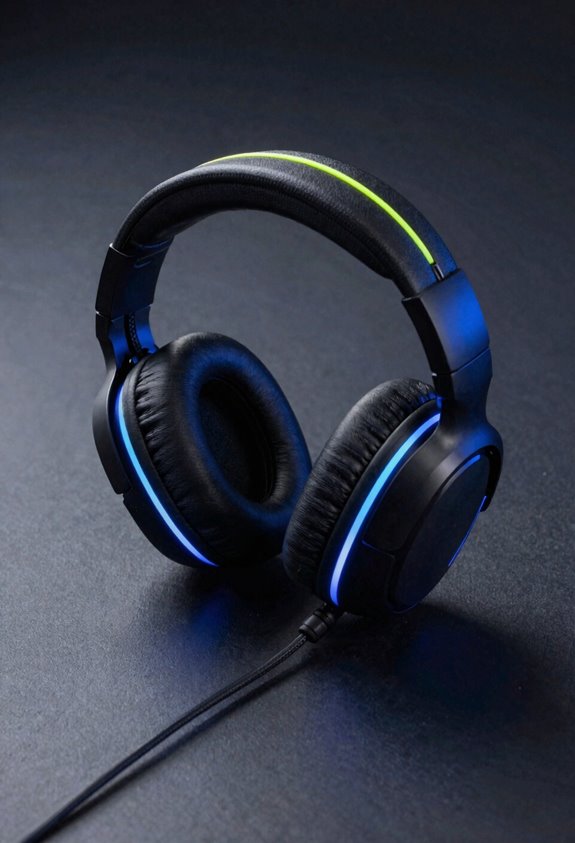
While competitive shooters demand those punchy mid-range frequencies for footsteps, story-driven games ask something totally different from your EQ settings. Here’s where I’d focus on voice clarity—dial up those mid frequencies around 2–4 kHz so dialogue pops without sounding harsh. Let’s also boost the lower frequencies slightly for ambient enhancement, creating that immersive atmosphere you’re craving. Think of it like turning up the volume on a narrator’s voice while keeping the orchestral soundtrack present. Your companion app’s graphic EQ makes this super easy—just grab those sliders and adjust! With these tweaks, you’ll catch every emotional beat and story detail. It’s honestly game-changing for narrative experiences!
Recommended Products

ENJOY INSTANT AUDIO UPGRADE – Plug in the Sound Blaster X1 to any of your PC, Mac, or gaming consoles, and experience an instant audio boost with enhanced audio clarity, made possible by its built-in AKM DAC. Delivering high-resolution 24-bit / 96 kHz playback, enjoy detailed audio with clarity and accuracy from your favourite apps and music players, including Netflix, Spotify, Apple Music, and YouTube

HIGH-RESOLUTION AUDIO 5.1 SURROUND - Upgrade from your PC's default sound and offload your CPU's processing with Sound Blaster Audigy Fx V2. With up to 24-bit / 192 kHz playback and 120 dB DNR clarity, enjoy high-resolution audio without overstressing your CPU, so it can handle other tasks efficiently, like your graphics. It also comes with 5.1 discrete and virtual surround capabilities, so you can stay immersed in your media, on both your speakers and headphones

ENJOY INSTANT AUDIO UPGRADE – Plug in the Sound Blaster X1 to any of your PC, Mac, or gaming consoles, and experience an instant audio boost with enhanced audio clarity, made possible by its built-in AKM DAC. Delivering high-resolution 24-bit / 96 kHz playback, enjoy detailed audio with clarity and accuracy from your favourite apps and music players, including Netflix, Spotify, Apple Music, and YouTube
Battle Royales: Isolating Movement Without Sacrificing Music
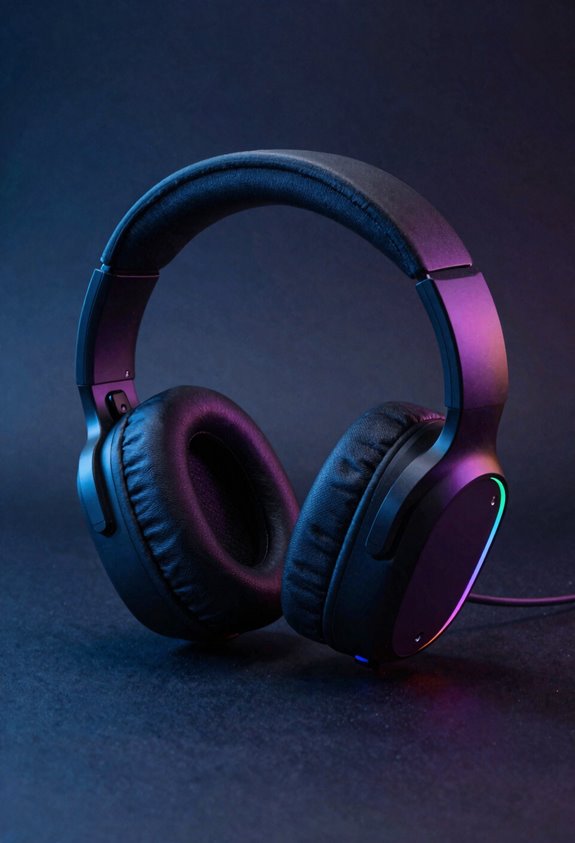
Battle royales throw a whole different challenge at us—you’ve got to catch every footstep and gunshot while keeping the music and ambient sounds alive. Here’s where tempo aware EQ saves the day! I boost those mid frequencies between 1.5–3.5 kHz to make enemy movement pop without drowning out the soundtrack. The trick? Create dynamic ambience by lifting presence frequencies just enough that footsteps cut through clearly. Let me show you my approach: I use my companion app’s parametric EQ to target 2–3 kHz with a modest bump, then back off slightly on the low end so the music breathes. You’re balancing tactical awareness with immersion, not sacrificing either one!
Recommended Products
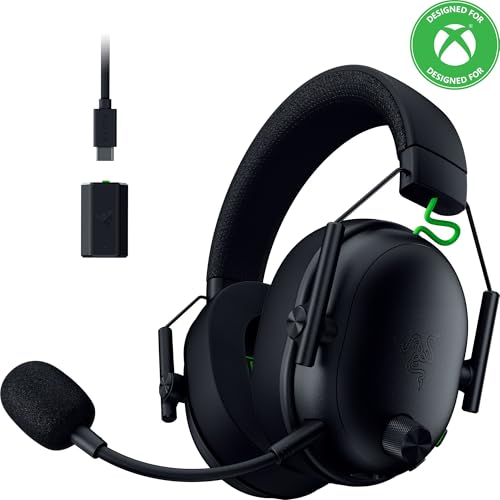
HYPERSPEED WIRELESS GEN-2 — Outpace all competition with the fastest wireless technology optimized for ultra-low latency as low as 10 ms, delivering near-instantaneous audio; perfect for clutch plays and split-second decisions
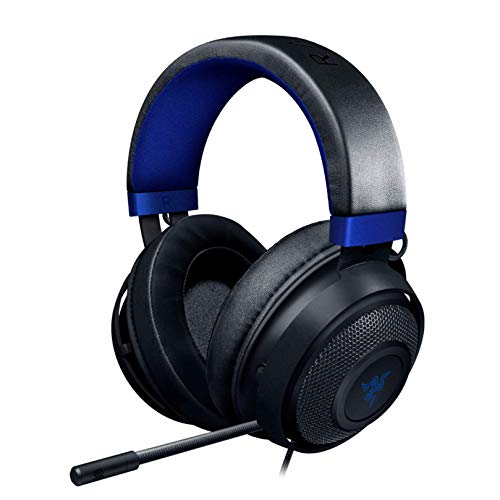
Immersive, 7.1 Surround Sound for Positional Audio: Outfitted with custom-tuned 50 mm drivers, capable of software-enabled surround sound (only available on Windows 10 64-bit)

[DTS Headphone:X] Unlock accurate 3D audio spatialization! The included activation code provides 2 years of DTS Headphone:X Spatial Audio for enhanced perception, awareness, and immersion.
Creating and Sharing Custom EQ Presets Within Your Community
Once you’ve dialed in your perfect EQ preset, the real magic happens when you share it with your crew! Most companion apps let you save and export your custom settings as shareable files. Your friends can then import these community presets directly into their own headsets—no need to recreate your work from scratch. This collaborative tuning approach speeds things up big time. You’re effectively crowdsourcing the best audio configurations for your favorite games. Reddit and GitHub communities maintain massive preset libraries where gamers swap EQ profiles constantly. Simply upload your settings, and others benefit from your experimentation. It’s like building a collective knowledge base together. When everyone’s gaming with optimized sound, you’ve all got a competitive edge!
Where Your EQ Settings Actually Live: Onboard vs. App Processing
Now here’s something that’ll blow your mind—your carefully tuned EQ settings don’t just vanish when you close the app!
Most gaming headsets store your adjustments in on device storage right inside the headphone’s memory. This means your custom presets stick around when you switch between your PC, phone, or go wireless. It’s like your headset remembers exactly what you want!
Some companion apps use streamed processing instead, applying EQ through your device rather than the headset itself. The difference? Onboard storage keeps working everywhere. streamed processing ties your settings to that specific device.
I recommend checking your headset’s specs to see which approach it uses. Either way, you’re getting persistent audio customization that travels with you!
When Stock Presets Aren’t Enough: Testing Your Custom Tuning
While stock presets get you started, they’re really just a launching pad for your own sonic preferences! I recommend doing A/B testing to find what sounds best for you. Switch between your custom tweaks and the original preset several times—your ears will catch the real differences.
Here’s my go-to approach: adjust one frequency band at a time, then listen to actual gameplay. Pay attention to how footsteps sound, whether dialogue’s clear, and if explosions feel punchy. Your hearing calibration matters too—take breaks so your ears don’t get fatigued from listening critically.
Save multiple versions of your settings! I keep “aggressive,” “balanced,” and “relaxed” profiles ready. Test each one across different games and scenarios. You’ll discover what your headset does best!
Recommended Products

SIMPLE OPERATION : With only 3 buttons: 94dB, 114dB and Power On/Off Button. Simply power on the calibrator, select 94dB or 114dB level, and it's ready to go!

High Precision Output Levels: Enjoy the flexibility of two output levels - 94dB and 114dB - to cater to various sound measurement needs. This versatility allows calibration with A, B, C, or D weighting networks, as well as linear options, ensuring precise readings in any setting

The set of the tool special designed for bike headset and bottom bracket installation, make you job done easily and professional
Frequently Asked Questions
Can I Use Game-Specific EQ Presets Across Multiple Gaming Headset Brands?
I can’t directly transfer presets across brands due to firmware limitations and proprietary formats. However, you’ll find community-driven solutions like AutoEQ and third-party apps offering cross-brand compatibility for manual recreation.
How Do Companion App EQ Settings Perform on Mobile Devices Versus Desktop Computers?
I’ve found that desktop tuning offers more precise EQ adjustments with real-time processing, while mobile latency can slightly delay your changes. However, both platforms store settings in your headset’s memory, so you’ll maintain consistency across devices.
Will My Custom EQ Presets Work if I Switch Between Wired and Wireless Modes?
Your presets persist across wired and wireless modes since they’re stored in headset memory. However, wired variability, Bluetooth latency, battery influence, and codec differences may subtly alter your EQ’s perceived effectiveness between connections.
What’s the Difference Between Parametric EQ and Graphic EQ for Gaming Audio Customization?
Parametric EQ lets you adjust specific frequency bands with precise filter types, while graphic EQ uses fixed sliders for broader adjustments. Parametric offers more control but introduces latency tradeoffs compared to graphic’s simpler processing.
Are Community-Shared EQ Presets From Reddit Compatible With Official Companion App Formats?
I’ve found that Reddit’s EQ preset libraries support over 3,000 headphone profiles. You’ll need compatibility mapping and file conversion between parametric EQ formats and your companion app’s graphic interface—they’re not directly compatible without conversion tools.