As an Amazon Associate, we earn from qualifying purchases. Some links may be affiliate links at no extra cost to you. Although our opinions are based on curated research, we haven't used these products. Articles generated with AI.

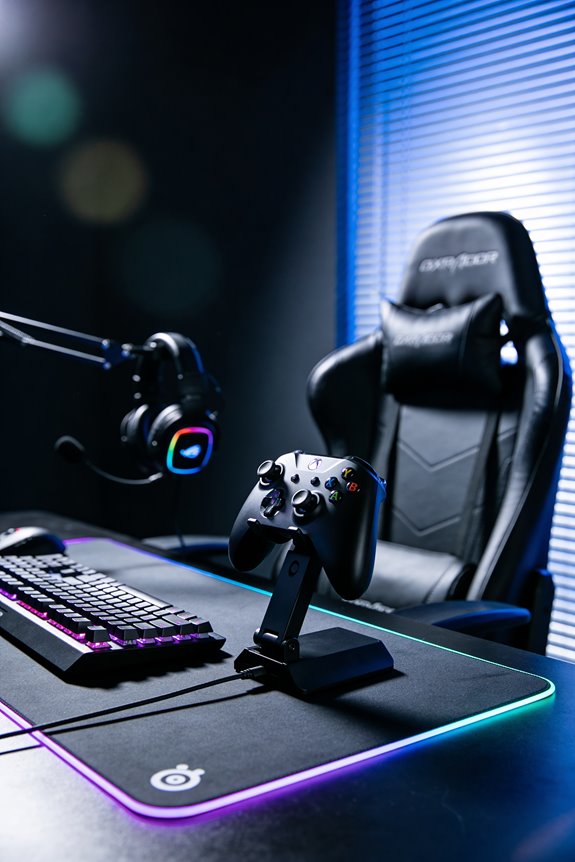
What Is Cross-Platform Headset Compatibility and How USB Vs 3.5mm Affects It

Cross-platform compatibility means your headset works across all your devices—phone, console, PC—without hassle. Here’s the thing: 3.5mm headsets work everywhere because they use a universal analog standard, no charging needed! USB headsets? They’re pickier. They offer cool features like game-chat mixing but need specific drivers and sometimes don’t play nice with every console. Wireless adds another layer since Xbox, PlayStation, and PC each use different protocols. Basically, I’d go 3.5mm for maximum flexibility, USB if you’re locked into one ecosystem. There’s way more nuance to pick the perfect fit!
Key Takeaways
- Cross-platform compatibility determines whether headsets work across multiple devices like PS5, Xbox, PC, and phones without adapters or reconfiguration.
- 3.5mm wired connections offer universal compatibility across all platforms but lack advanced features like game-chat mixing and customization apps.
- USB headsets provide platform-specific features and low-latency wireless but face inconsistent console support and firmware lock-in restrictions.
- Wireless protocols vary by platform—Xbox uses proprietary wireless, PlayStation requires USB dongles, creating fragmentation and limiting multi-platform headset functionality.
- Choose 3.5mm for frequent device switching; choose USB wireless for competitive gaming with consistent latency under 50 milliseconds on one platform.
Cross-Platform Compatibility: Wired vs. Wireless Trade-Offs
When you’re picking a headset that works everywhere—from your PS5 to your phone to your PC—you’ve got to make a tough choice: go wired with a 3.5mm cable or go wireless and enjoy the freedom!
Wireless headsets give you mobility and convenience, but here’s the catch: battery management becomes your responsibility. You’ll need to charge them regularly, or they’ll die mid-gaming session! Meanwhile, 3.5mm wired headsets never need charging—they just work instantly.
Wireless headsets also depend on codec compatibility, meaning different devices decode sound differently. Some platforms handle this better than others. Wired connections skip this problem entirely since they’re universal.
I’d say choose wireless if you value freedom and don’t mind charging. Pick wired if you want reliability and simplicity without worrying about battery life!
USB vs. 3.5mm: Why They Aren’t Interchangeable
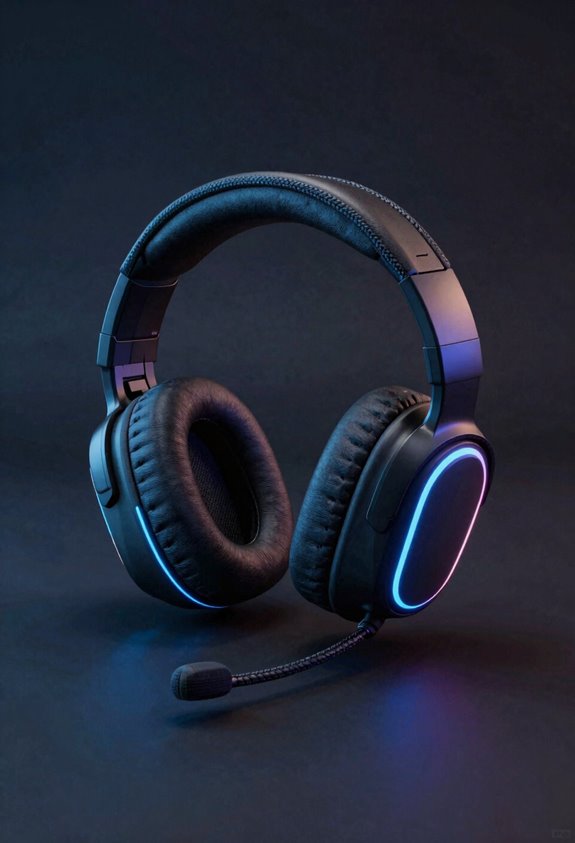
Now that we’ve covered the whole wireless versus wired debate, let’s talk about something that’ll save you from buying the wrong headset! USB and 3.5mm connections aren’t interchangeable—they’re totally different beasts. USB headsets offer advanced features like game chat mixing and wireless dongles, but they don’t work on every console. Meanwhile, 3.5mm jacks provide basic audio everywhere without fancy extras. Here’s the kicker: firmware conflicts can happen when you switch USB headsets between devices. Even accessory adapters can’t solve compatibility issues. I’d recommend checking your specific console before purchasing. If you’re torn, pick 3.5mm for universal compatibility or USB for gaming power. Your wallet’ll thank you for researching first!
USB Connections: Advanced Features, Console Limitations
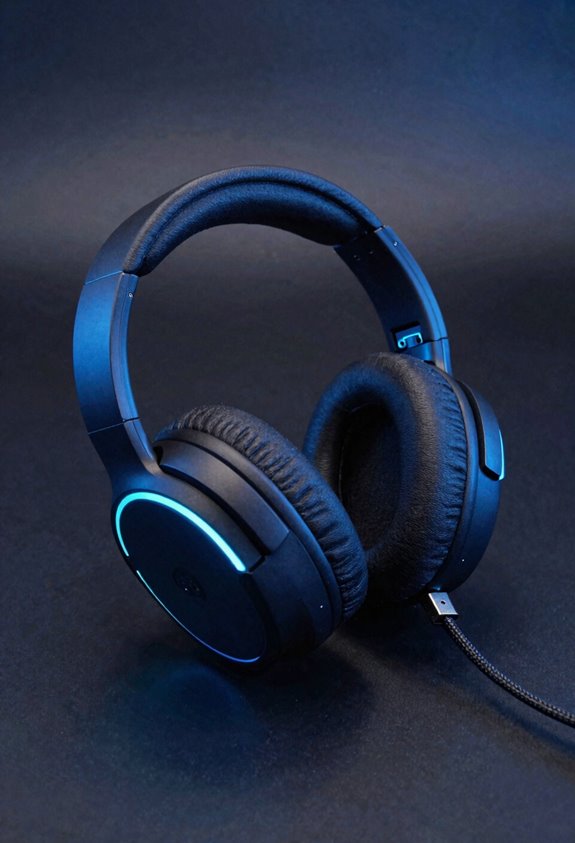
Because USB headsets pack serious gaming power, they’re totally worth exploring—but there’s a catch! I’m talking about game-chat mixing, wireless dongles, and companion apps that let you customize everything. Your firmware integration keeps settings synced across updates, making your headset smarter over time. Here’s the thing: power management means your USB connection drains battery faster than 3.5mm alternatives—so charge frequently during marathons! The real limitation? Consoles don’t always play nice with USB. Xbox supports it selectively, while PS5 demands specific dongles. PC? That’s your USB playground with full feature access. I’d recommend checking your console’s specs before committing. USB headsets deliver incredible features, but console compatibility requires homework first!
3.5mm Connections: Universal Support Without Extras
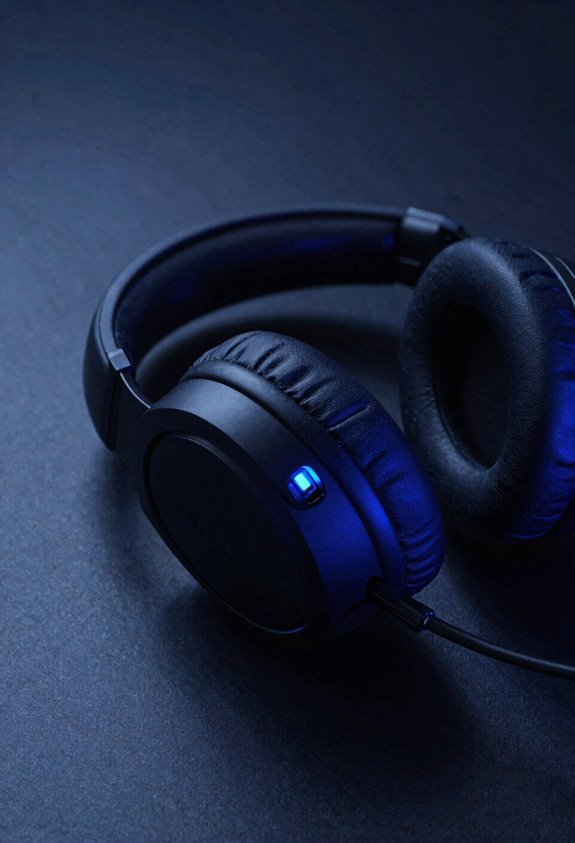
your PS5, Xbox, PC, phone, and even older handheld devices—they’ll all work with a 3.5mm headset! That’s the magic of universal compatibility. I love this approach because it’s invigoratingly simple. You just plug in and go, no fussing with drivers or apps. The analog reliability of a 3.5mm connection means you’re getting straightforward wired audio without wireless hiccups or battery anxiety. Sure, you won’t get fancy game-chat mixing or platform-specific features, but honestly? Sometimes basic is better. You’re trading those extras for pure peace of mind. Let’s be real—when you need a headset that works everywhere without complaints, grab a 3.5mm model. It’s the dependable friend who shows up when you need them most!
Wireless Protocols: Why They Limit Cross-Platform Support
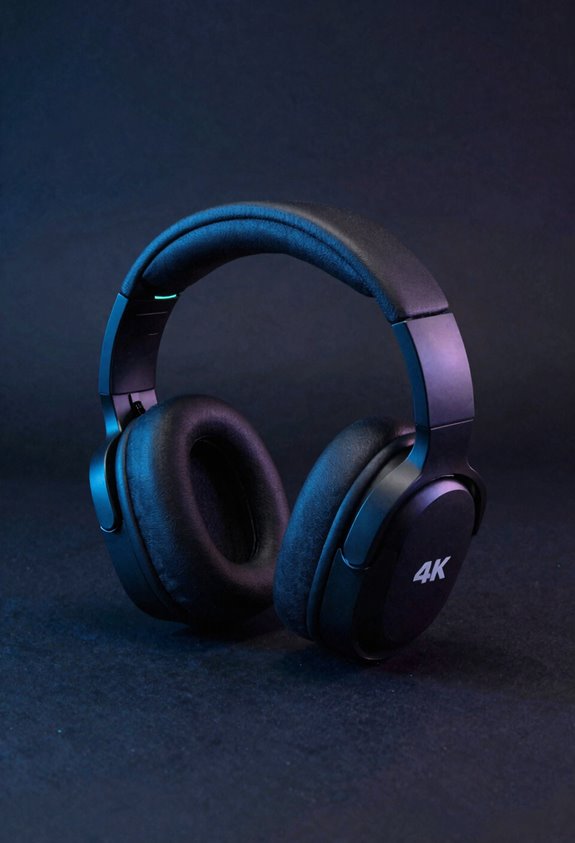
While 3.5mm cables work everywhere, wireless protocols? They’re the real headache! Here’s why I’m telling you this matters.
Each gaming platform demands its own wireless language. Xbox needs proprietary Xbox Wireless built into your headset. PlayStation relies on USB dongles because they can’t use unlicensed wireless. PC? Lucky us—we get options!
This certification hurdles problem means manufacturers face massive costs supporting every platform. Codec fragmentation makes things worse; different devices speak different audio languages. You’ll hit proprietary interference issues when multiple wireless signals compete.
Then there’s firmware lock-in. Your headset’s software might restrict features to specific platforms. I’ve seen headsets that work great on PC but struggle on consoles.
That’s why I recommend checking compatibility lists before buying!
Choosing Your Connection: USB vs. 3.5mm by Use Case
Now that you know why wireless protocols create headaches across platforms, let’s talk about picking the right connection for what you’re actually doing. Here’s my take: if you’re a competitive gamer, USB wireless with latency testing under 50ms is your best bet—seriously fast! Want freedom without worrying about battery life? Then USB dongle‘s your friend. But here’s the thing: if you’re bouncing between your phone, console, and PC constantly, grab a 3.5mm headset instead. Yeah, you’ll lose wireless convenience, but you’ll gain universal compatibility everywhere. Think of it this way—USB wins speed and features, while 3.5mm wins simplicity and reach. Pick based on what matters most to you!
Best Cross-Platform Headsets by Connection Type
Once you’ve figured out whether USB or 3.5mm fits your lifestyle, it’s time to see which headsets actually deliver! For USB lovers, I’d recommend the NUBWO HG03—it crushes multi device pairing with seamless switching between your PC and console. Its 2.4GHz dongle keeps latency super low, perfect for competitive gaming. Battery management is straightforward; you’ll get solid playtime before charging. If you’re team 3.5mm, the Turtle Beach Recon 70 is your friend! It’s wired simplicity at its finest, working everywhere without fuss. No batteries mean zero worries about power dying mid-session. Both deliver reliability, so pick based on your gaming setup and how you like playing!
Frequently Asked Questions
Can I Use a USB Headset With a 3.5mm Fallback on PS5 Without Latency Issues?
I’d recommend USB passthrough on PS5 for peak performance, though you’ll want latency testing first. The 3.5mm fallback works reliably but lacks wireless features—it’s your safest backup if USB connectivity disappoints.
Do Internal EQ Profile Storage Settings Transfer Automatically Between Different Platforms?
I’ll tell you that EQ syncing isn’t automatic—you’ll need to manually transfer profile portability settings across platforms. Most headsets require companion apps or manual configuration on each device for your customized EQ to carry over.
What’s the Typical Battery Life Difference Between Wireless and Wired Cross-Platform Headsets?
I’ll tell you: wireless headsets typically last 20-40 hours per charge, while wired ones need no battery at all. Your battery longevity depends entirely on power management features—some wireless models offer superior longevity through efficient chipsets.
Are Firmware Updates Required for Headsets to Maintain Cross-Platform Compatibility Over Time?
You can’t teach an old dog new tricks, but I’ll tell you: firmware updates aren’t strictly required for cross-platform compatibility. However, I’d recommend checking your headset’s firmware lifecycle and platform certification regularly to make certain you’re getting peak performance across devices.
How Do I Troubleshoot Audio Cutting Out When Switching Between USB and Wireless Modes?
I’d recommend checking your audio sync settings and ensuring proper connection handoff between modes. Disable one connection type before switching, update drivers, and verify your headset’s profile isn’t conflicting between USB and wireless protocols.


