As an Amazon Associate, we earn from qualifying purchases. Some links may be affiliate links at no extra cost to you. Although our opinions are based on curated research, we haven't used these products. Articles generated with AI.

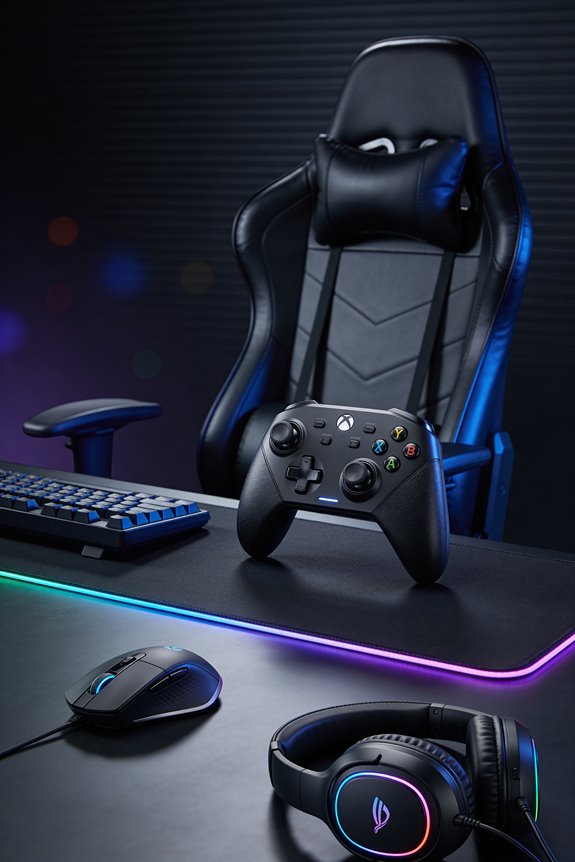
Why Mouse Pad Surface Material Changes Your Aim Consistency

Your mouse pad’s surface texture directly trains your muscle memory with any serious gaming mouse through friction levels. When I switch pads, my arm adjusts to different resistance—low-friction surfaces let me flick faster across a wide desk but risk overshooting, while cloth pads slow me down for precision. Hard pads give consistent sensor readings; cloth pads offer better stopping power. Wearing out your pad disrupts everything you’ve trained your muscles to do! Matching your pad material to your playstyle keeps your aim sharp and predictable. Stick around to discover exactly which surface matches your gaming style best.
Key Takeaways
- Muscle memory adapts to specific pad friction levels; switching surfaces disrupts grip consistency and requires readaptation.
- Hard pads enable precise sensor input registration through minimal surface forgiveness at high DPI settings.
- Cloth pads provide increased tactile feedback and friction, supporting stopping accuracy for precision-focused gameplay.
- Surface wear degrades glide consistency over time, causing unpredictable mouse movement and aim disruption.
- Pad material friction directly influences speed versus control balance, affecting flicking accuracy and stopping power.
How Friction Affects Your Muscle Memory and Aim
When you’re grinding through ranked matches, your muscles are literally learning the exact feel of your mouse pad‘s resistance. I’m talking about how friction builds your muscle memory—the automatic movements your arm makes without thinking!
Here’s the thing: different surfaces create different friction levels, and your body adapts to each one. Switch pads, and suddenly you’re dealing with grip inconsistency and muscle fatigue as you readjust. That’s brutal for aim!
Low-friction speed pads let your flicks fly, but they demand precise control or you’ll overshoot targets. High-friction control pads slow you down intentionally, reducing sensor drift and tactile habituation takes longer. Your muscles need time to truly lock in.
Pick one pad and stick with it! Let your body build real muscle memory. Consistency wins matches, not constant switching.
Speed vs. Control: Finding Your Consistency Sweet Spot

Now that you’ve locked in your pad choice, let’s talk about the real game-changer: finding the speed-versus-control balance that actually works for your aim!
Here’s the deal: speed pads give you low friction tradeoffs—your mouse flies across the surface, but you sacrifice stopping power. Control pads do the opposite, offering tactile feedback mapping that lets your muscles feel every tiny movement for precision.
So which one’s your jam? If you’re spraying and praying in fast-paced shooters, speed wins. But if you’re lining up headshots in tactical games, control’s your best friend.
The secret? Start with your sensitivity settings and pad choice working together. You’re not choosing speed OR control—you’re blending them! Test both, notice how your aim changes, then pick what feels natural. That consistency? It’ll come faster than you think!
Why Hard Mouse Pads Deliver High-DPI Precision
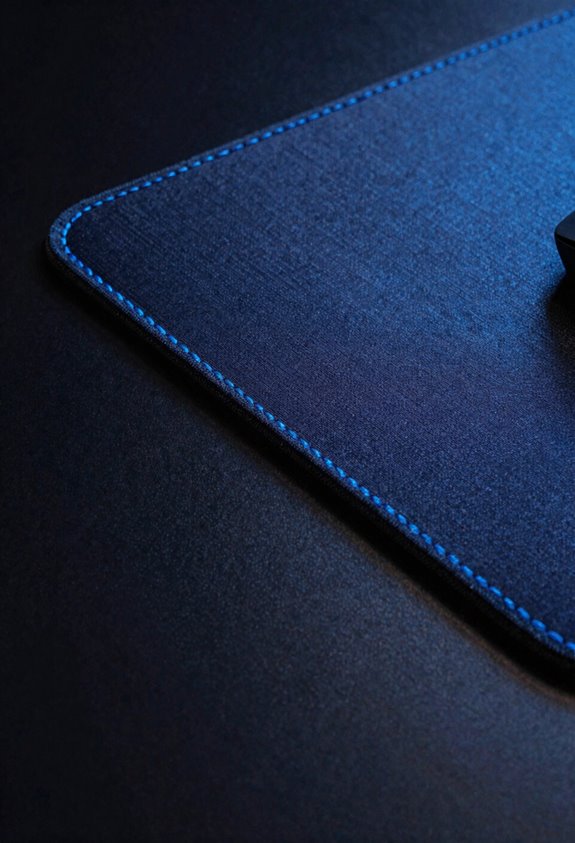
Because hard surfaces like aluminum and glass give you zero forgiveness, they’re absolute precision machines! Here’s why I love them for high-DPI gaming.
Hard pads let your mouse’s sensor catch every tiny movement you make. That’s high resolution tracking in action—your cursor responds instantly to micro-adjustments. When you’re running high sensitivity settings, this matters big time!
I’ve noticed that sensor calibration impact really shines on hard surfaces. Your mouse skates glide smoothly, so the sensor reads movement data more consistently. No fabric friction throwing off your aim!
You’ll detect smaller movements easier, giving you pixel-perfect control. Plus, these pads won’t degrade like cloth does. Your precision stays locked in, session after session.
Why Cloth Pads Feel Slower (And When That’s Good)
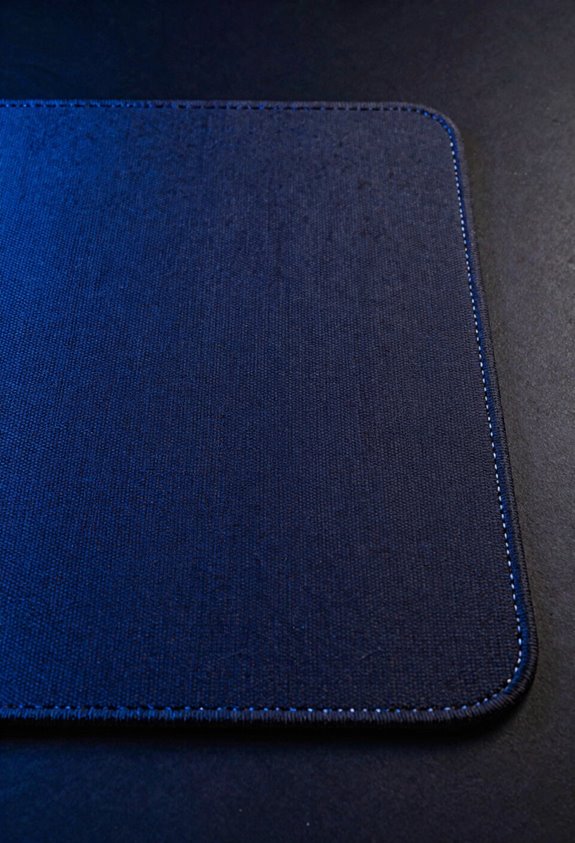
Let’s dig into why cloth pads create that sluggish feeling compared to hard surfaces! I’ll be straight with you—cloth pads have higher resistance because of their woven fibers. This friction slows your mouse down, which might seem like a drawback. But here’s the thing: that’s actually beneficial for many gamers! The extra friction gives you better tactile feedback, meaning you feel exactly where your cursor is. This makes controlling your aim way easier during intense matches. I find cloth pads perfect for tactical shooters where precision beats speed. If you’re using lower sensitivity settings, cloth pads help you stop exactly where you want. They’re genuinely awesome when you prioritize accuracy over lightning-fast flicks!
The Durability Problem: How Wear Breaks Your Aim
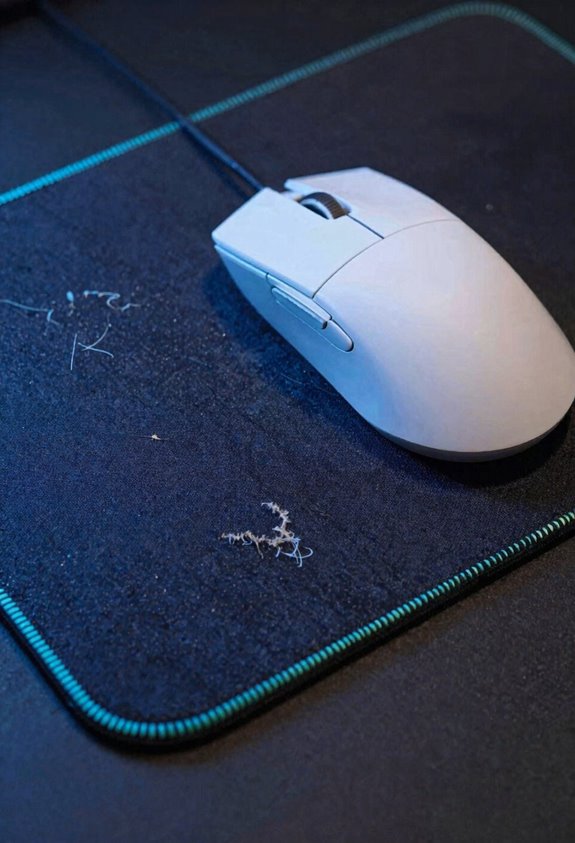
Here’s the thing about mouse pad wear—it sneaks up on you and absolutely tanks your aim!
Over time, your pad’s surface degradation happens gradually. The smooth glide you loved? Gone. You’ll notice glide inconsistency creeping in as fibers break down and flatten from constant friction. One day you’re flicking perfectly, the next day your muscle memory feels totally off.
I’ve seen this wreck competitive gamers’ streaks. Hard pads like aluminum wear your mouse skates faster, while cloth pads deteriorate from repeated use. The real kicker? Your brain expects consistent resistance, so when wear changes that, your aim suffers.
Here’s my advice: inspect your pad monthly. If you’re noticing unpredictable mouse movement, replacement time’s here. Fresh pads mean fresh consistency!
Choose Your Mouse Pad Material by Gaming Style
Now that you know how wear wrecks your aim, it’s time to pick the right pad for how you actually play. Here’s the deal: competitive gamers like me crave speed pads with low friction for lightning-fast flicks. We’re talking hard surfaces or smooth cloth that let your mouse zoom! Tactical players, though? You’ll want control fabrics with higher friction for pixel-perfect shots. They grip better and reward careful aim. Then there’s ergonomics—if you’re grinding long sessions, grab a pad with grip materials like cork or foam backing. Your wrist’ll thank you later! Speed seekers sacrifice comfort, while control players gain precision. Match your pad to your playstyle, and you’ll notice your aim stays consistent way longer!
Frequently Asked Questions
Can I Switch Mouse Pad Materials Without Retraining My Muscle Memory Completely?
Yes, you can switch materials through gradual adaptation. I’d recommend shifting slowly rather than abruptly changing pads. Your grip adjustment period typically takes a few days to a week, depending on the friction difference between materials.
How Often Should I Replace My Mouse Pad to Maintain Consistent Aim?
I’d say replace your pad when it’s basically a petri dish—usually every 6-12 months depending on use. Honestly, I’m more concerned with pad hygiene between replacements. Regular cleaning maintains consistent aim better than replace frequency alone.
Does Wrist Comfort Impact Aim Consistency During Competitive Gaming Sessions?
Yes, wrist comfort directly impacts your aim consistency. I’ve found that proper wrist alignment and pressure distribution reduce fatigue, letting me maintain steady crosshair placement throughout competitive sessions without performance degradation.
What’s the Best Mouse Pad Material for Mixed Gaming Styles and Genres?
I’d recommend a textured hybrid pad for mixed gaming. It gives you balanced glide that works across FPS, tactical, and casual games without sacrificing control or speed, letting you adapt seamlessly.
How Do Hybrid Mouse Pad Materials Compare to Pure Cloth or Hard Surfaces?
You’d think the best pad sits somewhere in the middle, right? I’ve found hybrid textures strike performance tradeoffs brilliantly—they’re faster than pure cloth yet more controlled than hard surfaces, giving you versatility across gaming genres.