As an Amazon Associate, we earn from qualifying purchases. Some links may be affiliate links at no extra cost to you. Although our opinions are based on curated research, we haven't used these products. Articles generated with AI.

The Science Behind Low-Latency Wireless Protocols Used in Gaming Accessories

low-latency wireless protocols like 2.4 GHz RF slash response times below 50 milliseconds—that’s milliseconds, or tiny fractions of a second—by skipping Bluetooth’s slower route. I’m talking adaptive buffering that adjusts data flow instantly, dual-channel transmission bouncing signals across frequencies simultaneously, and polling rates up to 8000 times per second. Your gaming accessory basically scans your input constantly, optimizes packets for speed, and confirms every command arrives. This combo keeps you competitive without the wired tether! Stick around to uncover which protocol dominates your specific gaming arena.
Key Takeaways
- 2.4 GHz RF dongles achieve 1–4 ms latency by bypassing Bluetooth, outperforming standard Bluetooth’s 100+ ms delays significantly.
- Adaptive buffering, codec prioritization, and jitter buffering reduce lag by smoothing packet timing and processing audio faster than other traffic.
- Dual-channel transmission and channel bonding spread signals across multiple frequencies simultaneously to mitigate interference and ensure reliable delivery.
- High polling rates up to 8000 Hz in premium models increase input scanning frequency, enhancing responsiveness for competitive gaming.
- Handshake protocols and error concealment automatically retransmit lost packets and fill gaps, maintaining perceived connection quality during transmission failures.
How Low-Latency Wireless Protocols Reduce Lag Below 50ms
When you’re in the heat of a competitive match, every millisecond counts—and that’s where low-latency wireless protocols come in to save the day! I’m talking about technologies that push your audio delay below 50ms, keeping you sharp and responsive.
Here’s how they work: these protocols use adaptive buffering, which adjusts data flow in real-time to eliminate stuttering. Meanwhile, codec prioritization makes sure your audio gets processed faster than everything else on your connection.
Let me break it down—2.4GHz RF dongles achieve 1-4ms latency by bypassing Bluetooth entirely. They create a direct, dedicated link between your headset and device. You’ll notice the difference immediately; your shots sync with your sounds!
We’re talking tournament-grade performance without the wire hassle.
Bluetooth vs. 2.4GHz RF: Why Gaming Demands Speed
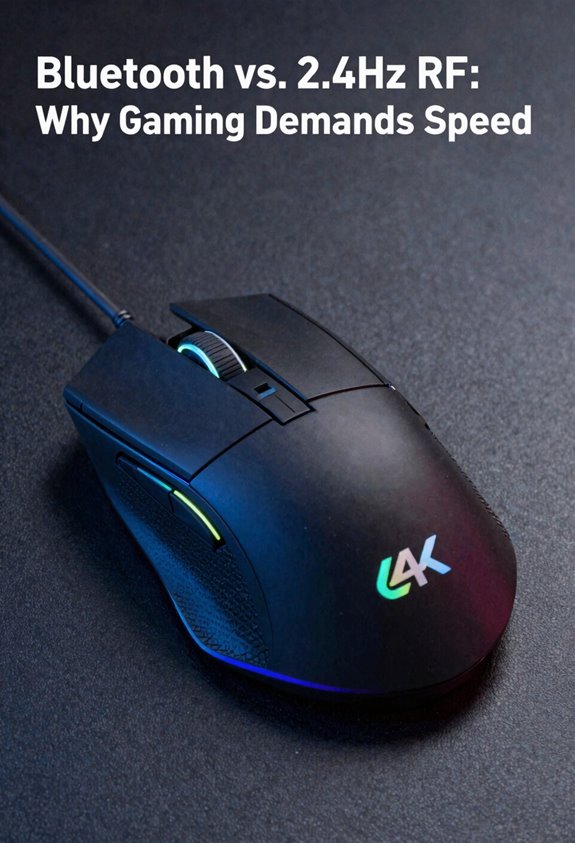
Now here’s where it gets real—you’ve got to choose between Bluetooth and 2.4GHz RF, and that choice makes all the difference in competitive gaming. Standard Bluetooth hits you with 100ms-plus delays because it jugggles multiple devices and uses heavy compression. That’s brutal when you’re trying to land headshots!
2.4GHz RF crushes it with 1-4ms latency using dedicated USB dongles. Think of it like a direct phone line versus a busy switchboard. My personal take? RF dominates for shooters and fast-paced games.
Here’s the real kicker: 2.4GHz excels at interference mitigation through dual-channel tech. It bounces across 40 frequencies simultaneously, dodging interference like a champ. Plus, better power management means longer battery life without sacrificing speed. You’re getting pure responsiveness, friend!
Which Protocol Wins: Competitive Gaming vs. Streaming vs. VR
Because different gaming experiences demand different things, we’ve gotta match the right protocol to what you’re actually doing. For competitive streaming, you’ll want 2.4GHz RF wireless—it delivers sub-5ms latency so your gameplay looks buttery smooth for viewers while you’re crushing opponents. VR tournaments demand even stricter standards; I’d grab something like ZeroDrag technology hitting 25ms end-to-end, keeping your head tracking and audio perfectly synced. Meanwhile, standard Bluetooth works fine for casual play but’ll mess with your reaction times in tournaments. Here’s my take: pick 2.4GHz for anything competitive, lean toward dedicated dongles for VR tournaments, and save Bluetooth for relaxed gaming sessions. Speed wins matches!
What Happens Under the Hood: Polling Rates and Packet Optimization
To actually feel that buttery-smooth response time we talked about, you’ve gotta understand what’s happening inside your wireless gear—and it all comes down to two critical things: how often your device checks for input, and how it handles data packets flying through the air.
Let me break it down. Your headset’s polling rate—how many times per second it scans for new data—typically hits 8000Hz in premium models. That’s checking 8000 times every single second! Meanwhile, buffer management keeps data organized so nothing gets lost. Jitter buffering smooths out timing hiccups, interrupt handling prioritizes urgent commands, and power scaling balances speed with battery life. Together, these systems guarantee your wireless connection feels as responsive as wired!
Dual-Channel Transmission and Handshake Technology Explained
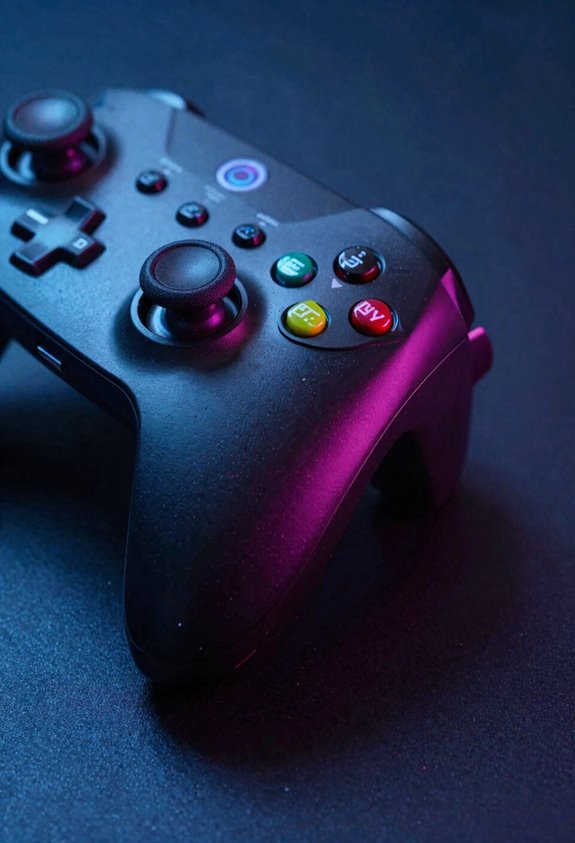
While polling rates and buffer management keep your wireless gear humming along smoothly, there’s another layer of tech working behind the scenes—one that’ll blow your mind! I’m talking about dual-channel transmission and handshake technology.
Here’s the deal: instead of sending your audio through one frequency, your headset bounces the signal across multiple channels simultaneously. Think of it like taking two different roads to reach the same destination faster. This channel bonding prevents interference from stealing your data.
When packets travel, handshake protocols confirm they arrived safely. If something goes wrong, error concealment kicks in—your headset fills gaps automatically so you don’t notice hiccups. The result? Your wireless connection stays rock-solid even in crowded environments. Pretty wild, right?
Choosing the Right Protocol for Your Gaming Setup
Now that you’ve got the lowdown on how dual-channel tech keeps your connection steady, it’s time to pick the right protocol for YOUR specific setup! First, check your network compatibility—what devices are you gaming on? If you’re using a PC or console, I’d grab a 2.4GHz USB dongle for that sweet 1-4ms latency. Playing on mobile? aptX Low Latency via Bluetooth works great! Next, consider power management. Wireless headsets drain batteries differently, so think about session length. Me? I choose based on where I game most. Tournament play demands wired or 2.4GHz. Casual gaming? Bluetooth’s totally fine. Match the protocol to your actual setup, and you’ll nail that competitive edge!
Frequently Asked Questions
How Does Battery Capacity Affect Wireless Latency Performance in Gaming Headsets?
I’ll tell you what many don’t realize: battery capacity doesn’t directly cause latency. However, degraded battery health triggers power throttling, which reduces polling rates and RF stability, ultimately increasing your wireless delay and ruining competitive performance.
Are Low-Latency Wireless Protocols Legal in Professional Esports Tournaments?
I’ll tell you that most low-latency wireless protocols are legal in professional esports, though tournament regulations and equipment standards vary considerably. You’ll find wired connections always permitted, while 2.4GHz wireless typically qualifies, but Bluetooth rarely meets competitive standards.
Can aptX Low Latency Work Without Qualcomm Chips in Devices?
I’d say aptX Low Latency technically requires Qualcomm’s chipset architecture for peak performance. While third-party manufacturers can license the codec, I find they can’t achieve that signature 40ms latency without Qualcomm’s implementation.
What Causes Packet Loss During Dual-Channel Transmission Interference Events?
I’ve found that packet loss during dual-channel transmission occurs when signal reflections cause timing jitter across frequencies. When interference hits your 40-channel system, reflected waves desynchronize arrival times, overwhelming the handshake protocol’s correction capacity.
How Do Polling Rates Above 8000HZ Impact Gaming Audio Synchronization?
I’ve found that polling rates exceeding 8000Hz don’t meaningfully enhance gaming audio sync—they’re hitting diminishing returns. Ultra high polling creates minimal gains while risking audio drift issues that actually degrade your competitive edge.