As an Amazon Associate, we earn from qualifying purchases. Some links may be affiliate links at no extra cost to you. Although our opinions are based on curated research, we haven't used these products. Articles generated with AI.


How Polling Rate Affects Controller Input Lag in 2026

Your controller’s polling rate—how often it talks to your PC—directly impacts your input lag! I’m talking milliseconds that make or break competitive play. Higher rates like 1000Hz beat factory 125Hz settings by catching button presses faster. Wired connections give you the cleanest advantage at 1–4ms lag, while wireless adds more delay. You can even overclock your controller to squeeze out extra speed! Stick around to discover exactly which setup crushes your competition.
Key Takeaways
- Higher polling rates (500Hz–1000Hz) reduce input lag by taking more frequent controller snapshots, improving responsiveness in competitive gaming.
- Wired connections deliver 1–4ms lag while standard Bluetooth adds 10–30ms; dedicated wireless protocols offer middle ground at 2–8ms.
- Software overclocking can raise polling from 125Hz to 1000Hz, achieving around 2.19ms average lag with balanced CPU resource usage.
- Human perception detects delays around 20ms, making 500Hz+ polling rates noticeable for aim precision and reaction time advantages.
- Connection type, firmware updates, interference, and onboard controller delays collectively impact total latency beyond polling rate alone.
Why Polling Rate Matters for Gaming
If you’ve ever felt like your controller’s sluggish in intense moments, polling rate might be the culprit! Here’s the deal: polling rate measures how often your controller talks to your PC, measured in Hz. Think of it like a conversation speed—higher rates mean more frequent check-ins. Standard controllers poll at 125Hz, but gaming-focused ones hit 500Hz or 1000Hz. Why does this matter? Human perception catches delays around 20ms, so faster polling keeps your actions snappier. That’s your competitive advantage! When you’re gaming, even milliseconds count. I’m talking about quicker response times, smoother aim, and faster reaction windows. It’s the difference between landing that shot and missing it!
Recommended Products

Get a fresh perspective with Windows 11: From a rejuvenated Start menu, to new ways to connect to your favorite people, news, games, and content—Windows 11 is the place to think, express, and create in a natural way

BUILT FOR PLAY – The Victus by HP 16.1 inch Gaming Laptop PC has what you need to play: a powerful AMD processor, great graphics, an upgraded cooling system (1), a high-resolution, fast display, and OMEN Gaming Hub.
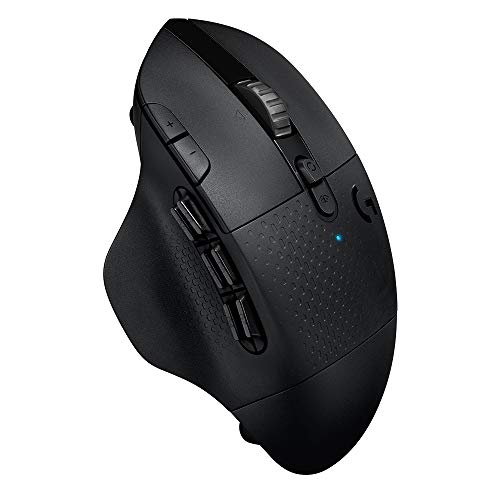
15 programmable controls: include 6 thumb buttons; fully programmable with G hub software
How Faster Polling Reduces Input Lag
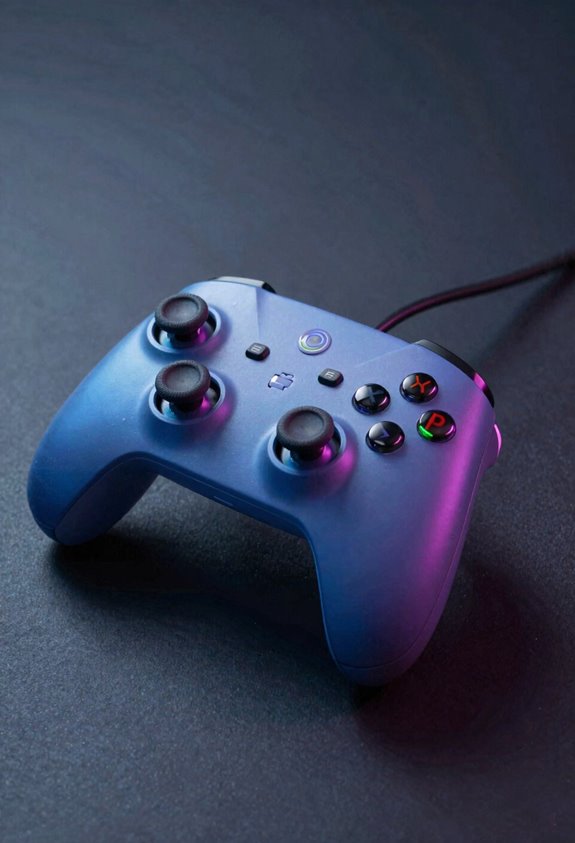
Now let’s see how faster polling actually shrinks that lag! When your controller polls more frequently, it captures your inputs with better temporal resolution—meaning it takes snapshots of your actions more often. Think of it like this: a 125Hz controller checks in every 8 milliseconds, while a 1000Hz controller checks every millisecond. That’s way more chances to catch your button press!
Higher polling rates also reduce sampling jitter, which is the annoying inconsistency in when inputs get registered. Instead of wondering if your move registered, faster polling keeps things smooth and predictable. I’ve found that jumping from 125Hz to even 500Hz noticeably improves responsiveness during intense gaming sessions. Your actions reach the game quicker, giving you that competitive edge you’re craving!
Recommended Products

Tri-Mode Connectivity: Connect via 2.4 GHz RF wireless with ROG SpeedNova, Bluetooth (up to 3 devices), and wired USB-C mode. Enjoy ultra-low-latency and up to 1600 hours of battery life with RGB and OLED off, ideal for gaming and everyday productivity

Full-speed USB performance whether wireless or wired: Executes commands up to eight times faster than a standard USB mouse
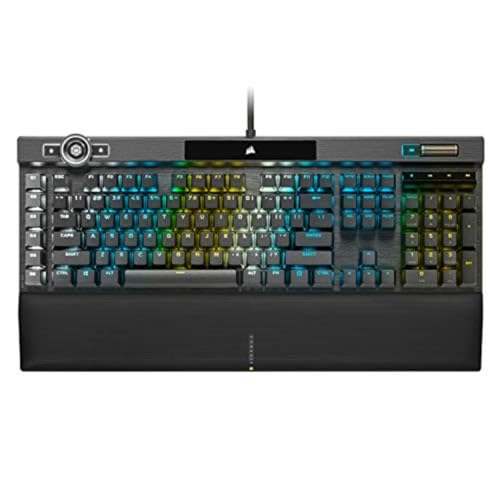
You’ve Reached the Top: The CORSAIR K100 RGB is the pinnacle of CORSAIR keyboards, offering the cutting-edge performance, style, durability, and customization that gamers need to stand above the rest.
Wired vs. Wireless: Where Polling Rate Makes the Biggest Difference
When you pick up a controller, the connection type—wired or wireless—shapes how much that polling rate actually matters! I’ve learned that wired controllers give you the cleanest advantage, delivering just 1-4ms of lag. Wireless setups? They’re trickier! You’ll get 2-8ms with dedicated protocols, but standard Bluetooth adds 10-30ms of extra delay. Here’s the thing: signal interference and battery life affect wireless performance too. Poor connections create inconsistent updates, making higher polling rates less effective. I recommend going wired for competitive gaming where every millisecond counts! If you prefer wireless, aim for dedicated protocols and keep devices close. Let’s be honest—the connection type matters more than squeezing every Hz from your controller!
Recommended Products


HIGH-PERFORMANCE 4K PROJECTOR: Driven by (3) 0.69-inch native 4K D-ILA devices and a 17-element, 15-group, 65 mm all-glass lens, the JVC DLA-NP5 D-ILA home theater projector delivers optical brightness of 1,900 lumens, ensuring dynamic and realistic images

13.2 CH A/V Receiver (150W + 150W 8ohms, 1kHz, 2ch, THD 0.9%)
Overclocking: Real Lag Gains for Your Controller
Software overclocking tools let you push your controller’s polling rate way beyond its factory settings! I’m talking jumping from 125Hz to 1000Hz—that’s seriously fast!
Here’s the deal: overclocked controllers deliver lightning-quick response times, averaging just 2.19ms of lag. You’ll feel the difference in competitive games, I promise! But let me be real with you—there’s a tradeoff. Higher polling rates demand more from your CPU, which can strain your system’s performance.
Before you overclock, check your firmware implications first. Some controllers need updates for stability. I’d recommend 500Hz as your sweet spot—it gives you speed gains without hammering your processor too hard. You’ll get smoother, snappier input without sacrificing your PC’s overall performance. Pretty awesome, right?
Recommended Products
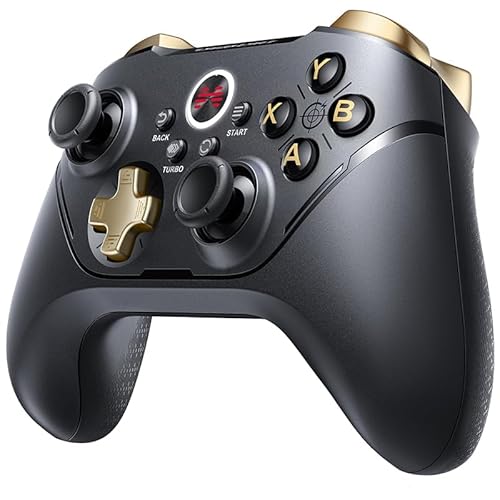
【Connectivity & Multi-platform】2.4GHz wireless and Bluetooth 5.0, works with less delay and is stable. USB chagring code plug and play. Supports on PC, Android, iOS,...
Latency Factors Beyond Polling Rate
While polling rate grabs all the headlines, here’s the truth: it’s only part of your lag story! Your controller’s onboard delays add invisible latency we can’t measure directly. Firmware quirks matter too—updates can optimize wireless polling and stability without costing you anything. Then there’s human perception, which varies between players. What feels instant to me might feel sluggish to you! Your connection type plays a huge role. Wired setups deliver 1-4ms lag, while wireless reaches 2-8ms with dedicated protocols. Standard Bluetooth? That’ll hit you with 10-30ms overhead. Distance, interference, and power-saving modes all stack up. So yes, overclock your controller, but remember—polling rate’s just one piece of the puzzle!
Frequently Asked Questions
What Polling Rate Does My Current Controller Use by Default?
I can’t determine your controller’s default polling rate without knowing your specific model. You’ll need to check your device’s firmware identification and default profile settings, or consult your controller’s documentation for that information.
Can Overclocking My Controller’s Polling Rate Damage Hardware or Reduce Lifespan?
I won’t lie—overclocking does introduce firmware wear and thermal stress to your controller. While most modern devices handle it fine, you’re pushing components harder, which could theoretically shorten lifespan over years.
Which Games Benefit Most From Higher Polling Rates and Lower Input Lag?
I’d say first-person shooters and fighting games benefit most from higher polling rates. You’ll notice sharper aim responsiveness in shooters and faster input registration in fighting games, where milliseconds determine victories.
How Do I Measure My Controller’s Actual Input Lag Accurately at Home?
You’ll need specialized tools like GPDL or Gamepadla—think of them as your measurement microscope. I’d recommend using a high precision timer with frame synced testing to capture your controller’s actual latency from button press to screen response accurately.
Will Upgrading Polling Rate Improve Performance in Competitive Versus Casual Games?
I’ll tell you that upgrading your polling rate helps competitive settings far more than casual comfort. In competitive play, you’ll notice responsiveness improvements, but casually, you won’t feel meaningful differences unless you’re particularly sensitive to input delays.