As an Amazon Associate, we earn from qualifying purchases. Some links may be affiliate links at no extra cost to you. Although our opinions are based on curated research, we haven't used these products. Articles generated with AI.

What Are Remappable Paddles on Pro Controllers and How Do Gamers Use Them

Remappable paddles are programmable buttons on your controller’s back that let you execute actions without moving your thumbs from the sticks. I love them because they boost reaction time in competitive games! You can assign jump, reload, or weapon swaps to these paddles, then customize different setups for each game. The Xbox Elite Series 2 and PS5 DualSense Edge come built-in with them. Stick around to discover which controller fits your gaming style best!
Key Takeaways
- Remappable paddles are programmable back buttons on pro controllers that execute actions without moving thumbs from analog sticks.
- Xbox Elite Series 2 and DualSense Edge include built-in paddles; third-party manufacturers offer aftermarket attachments for standard controllers.
- Gamers customize paddles per game using manufacturer software, saving profiles for quick switching between different configurations and titles.
- Dynamic layering and macro binding stack multiple functions onto single paddles, enabling complex moves with one button press.
- Competitive gamers map weapon swap and sprint to paddles in shooters, while fighting game players assign special moves for faster inputs.
Understanding Remappable Paddles and Why Gamers Need Them
When you’re in the heat of an intense gaming moment, you’ve got to make split-second decisions, and that’s where remappable paddles come in! These programmable buttons sit on your controller’s back, letting you execute commands without moving your thumbs from the analog sticks. I’m talking about jumping, reloading, or crouching—all without breaking your aim or movement flow.
Let me explain why we love them. First, ergonomic mapping means positioning frequently used actions in more comfortable spots. Your hands won’t cramp as much! Second, they build muscle memory fast. Your fingers learn new button locations naturally through repetition.
Whether you’ve got two paddles or eight, you’re gaining a serious advantage. You’ll react faster, perform complex moves smoother, and stay in control longer. Pretty cool, right?
Which Pro Controllers Come With Built-In Back Paddles
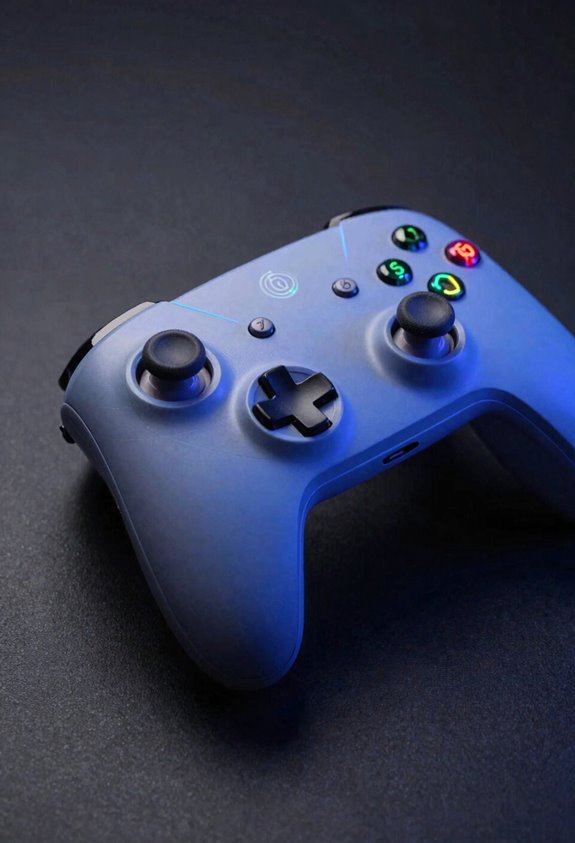
Not all controllers come with back paddles—some you’ve got to hunt for! Let me break down which ones actually have them built in.
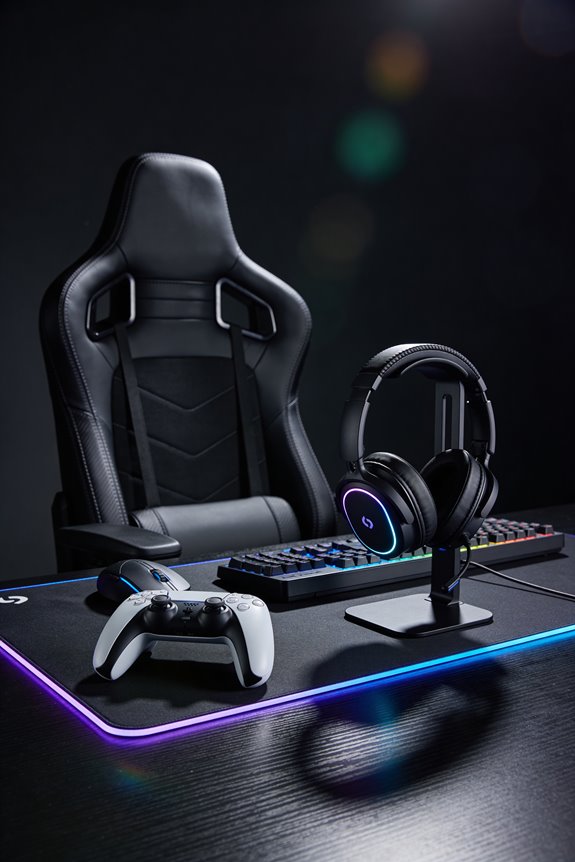
The Xbox Elite Series 2 is your go-to choice here. It comes standard with four remappable back paddles, ready to customize right out of the box. Sony’s got you covered too with the DualSense Edge for PlayStation 5. This premium controller features back paddles you can program instantly.
Here’s the thing though: basic controllers from Nintendo, PlayStation, and Xbox? They don’t include paddles. You’ll need to grab third-party attachments or upgrade to premium models. Companies like Scuf and Razer make fantastic aftermarket options if your current controller’s missing them. It’s all about finding what fits your gaming style!
How to Set Up and Remap Paddles on Your Controller
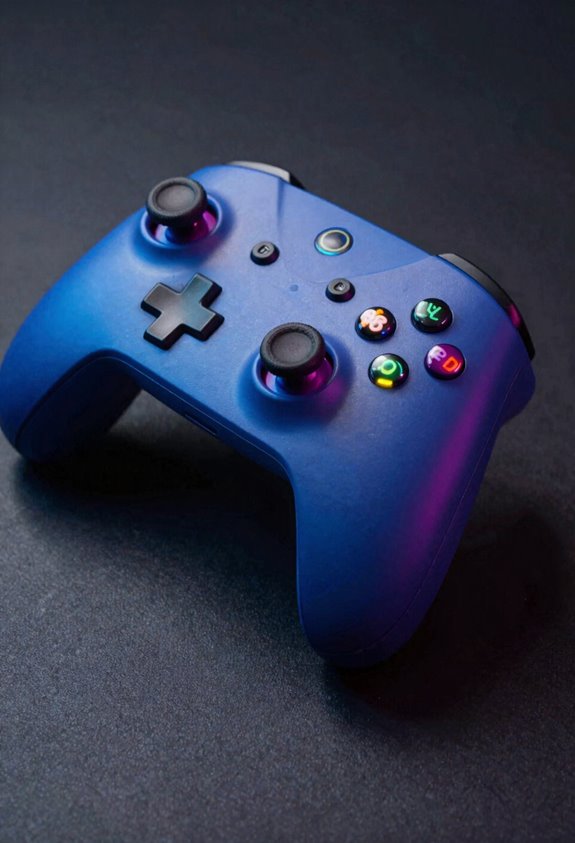
Once you’ve got your controller with back paddles ready, it’s time to make them yours! Start by checking for firmware updates—these keep everything running smoothly. Hold both bottom paddles simultaneously for about five to ten seconds to enter remap mode. You’ll notice the tactile feedback as you press, which confirms you’re on the right track!
Now comes the fun part. Hold any paddle you want to customize, then press the button you’d like it to copy. Hold them together for two or three seconds—boom, you’re done! Repeat this for each paddle until your setup feels perfect.
Quick-Start Paddle Configurations by Game Genre
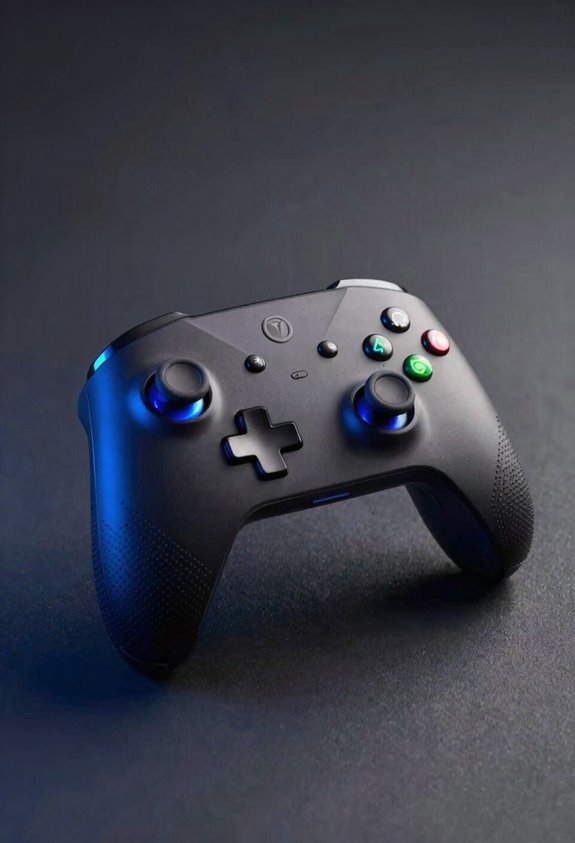
Different games reward different playstyles, so let’s tailor your paddles to match! For competitive shooters, I’d map weapon swap and sprint toggle to your bottom paddles—you’ll stay locked on targets while switching gear. Building-focused games? Assign material selection and placement to paddles so your thumbs never leave the sticks. Action RPGs benefit from jump and dodge assignments, letting you chain combos smoothly. Fighting games love having special moves mapped to paddles for lightning-fast inputs. Start with two or three paddles per game, then expand if you want more control. You’ll find your sweet spot quickly! The beauty here? You can totally switch configurations between games without touching your hardware.
Why Pro Players Use Custom Paddle Setups
While tailored paddle setups help us find our groove in different games, pro players take customization to a whole new level—and there’s solid science behind why. Custom paddles dramatically improve reaction time by keeping our thumbs locked on analog sticks during intense moments. This builds muscle memory faster because we’re practicing the same hand position repeatedly without switching buttons. The ergonomics benefits matter too—pros reduce hand fatigue during grueling tournament strategies that demand peak performance for hours. We’re talking competitive shooters where milliseconds decide matches! By mapping frequently-used actions to back paddles, pros execute complex maneuvers instantly. Their setups aren’t just preferences; they’re strategic weapons designed for victory. Let’s embrace customization and level up our game!
Mistakes to Avoid When Remapping Paddles
Now that we’ve got our paddles set up for success, let’s talk about the common pitfalls that can totally derail our customization efforts! One major mistake? Creating layout conflicts where paddles accidentally overlap with your regular button functions. This causes confusion during intense gameplay moments. Another trap is assigning too many paddles without testing them first. I recommend trying a few at a time to see what actually works for you. Don’t forget to save different configurations for different games either. Mapping the same action across multiple paddles wastes valuable real estate. Finally, resist remapping every single button—sometimes keeping things simple keeps your thumbs happy and your gameplay smooth!
Back Paddles for Accessibility and One-Handed Gaming
Beyond helping competitive gamers, back paddles open something genuinely life-changing: they make gaming accessible to everyone, no matter their physical abilities. I’ve seen how paddles transform gameplay for players with limited hand strength or dexterity challenges. You can shift frequently-used actions to ergonomic positions, reducing finger strain markedly. Pair paddles with adaptive grips and trigger adaptations, and suddenly one-handed gaming becomes totally realistic! Let’s say you struggle reaching certain buttons—we can remap those functions to conveniently-placed paddles instead. This flexibility means you’re not overextending your wrists or fingers uncomfortably. Personalized layouts accommodate your unique needs, making gaming enjoyable rather than painful. Back paddles aren’t just performance boosters; they’re genuine accessibility tools expanding gaming to players who deserve inclusion. That’s genuinely exciting!
PlayStation vs. Xbox vs. Nintendo: Which Controllers Have the Best Paddles?
So you’re ready to pick the perfect controller for your gaming setup? Let me break down your options! Xbox Elite Controller Series 2 gives you four solid paddles with lightning-fast button latency—that’s the speed your commands register. PlayStation 5’s DualSense Edge offers flexible ergonomic mapping, letting you customize buttons exactly how you want them. Nintendo Switch Pro-Controllers need aftermarket upgrades for back paddles, which feels a bit clunky compared to built-in options. Here’s my take: if you want reliable performance out of the box, Xbox wins big time. PlayStation edges ahead on customization flexibility. Nintendo lags behind unless you’re willing to modify your controller. Pick based on your game library and comfort preferences!
Custom Controllers and Aftermarket Paddle Add-Ons
If you’re not ready to drop cash on a premium controller, aftermarket paddle attachments are your best friend! I’ve found that third-party options from brands like Scuf and Razer let you add paddles to standard controllers without breaking the bank.
Here’s the cool part: you can customize your mod aesthetics to match your style. Want sleek black paddles or flashy RGB lighting? You’ve got options! Some advanced users even tackle wiring mods to enhance functionality, though I’d recommend starting simple if you’re new.
Installation’s usually straightforward—most attachments clip onto your controller’s back. You’ll map your paddles using the manufacturer’s software, then you’re gaming with the same advantages as expensive controllers. That’s a total win!
Advanced Techniques: Multi-Game Profiles and Context-Sensitive Remapping
Once you’ve mastered basic paddle remapping, the real magic happens with multi-game profiles! I’m talking about creating entirely different paddle setups for each game you play. Imagine switching from your shooter layout to your building-game config instantly—no manual adjustments needed!
Here’s where dynamic layering comes in. You can stack multiple functions onto single paddles using macro binding, which chains actions together automatically. Think of it like programming shortcuts that execute complex moves with one button press!
Let me show you how powerful this gets: one paddle might reload and aim in Fortnite, but jump and crouch in Call of Duty. Your controller adapts to whatever you’re playing!
Most modern controllers let you save these profiles and swap them effortlessly. It’s honestly game-changing for competitive play!
Frequently Asked Questions
Do Remappable Paddles Provide Unfair Competitive Advantages in Online Multiplayer Games?
I’d argue no—they’re not unfair. Paddles enhance accessibility inclusion for diverse players while maintaining esports ethics since they’re commercially available to everyone. They level the playing field rather than tilt it.
Can I Use Remappable Paddles on Standard Controllers Without Purchasing Expensive Specialized Models?
You can absolutely add paddles to standard controllers using third-party adapters or DIY mods. I’d recommend exploring aftermarket paddle attachments—they’re budget-friendly alternatives that let you customize your existing controller without expensive specialized purchases.
What Is the Typical Lifespan of Back Paddles Before They Require Replacement or Maintenance?
Like warriors weathering endless battles, back paddles typically last 1-2 years with heavy use. Durability testing shows spring fatigue accelerates with frequent clicking. I’d recommend maintenance schedules every six months, monitoring paddle wear closely to prevent degradation.
Are Remappable Paddles Compatible With Gaming on PC Through Controller Adapters or Emulation Software?
I’ll tell you that most remappable paddles work with PC through controller adapters, though you’ll experience varying input latency depending on your emulation software’s quality. Controller compatibility varies by manufacturer.
How Do Button Mapping Limitations Like L2 and R2 Affect Overall Paddle Customization Capabilities?
Pressure-packed paddles can’t capture L2 and R2 functions, creating customization constraints. You’ll face ergonomic tradeoffs—repositioning critical controls elsewhere—and potential input latency issues when workarounds substitute trigger functions through alternative mappings.